How to store image prompts
Image prompts are hard to improve if you only save text. What matters is the pair: the prompt version and the output it produced.

Prompt workspace for reusable AI workflows
Image prompts are hard to improve if you only save text. What matters is the pair: the prompt version and the output it produced.
After generating a large batch of images, the real problem is no longer writing prompts. It is remembering which exact prompt created the result you want to reuse.
If you separate prompt text from generated results, you lose the evidence needed to know what actually changed the image quality.
Keep composition, lighting, camera, color palette, reference style, and negative prompt changes in version notes so you can compare visual outcomes later.
For teams, folders and tags should mirror brand campaigns, character sets, product categories, or style systems rather than random dates.
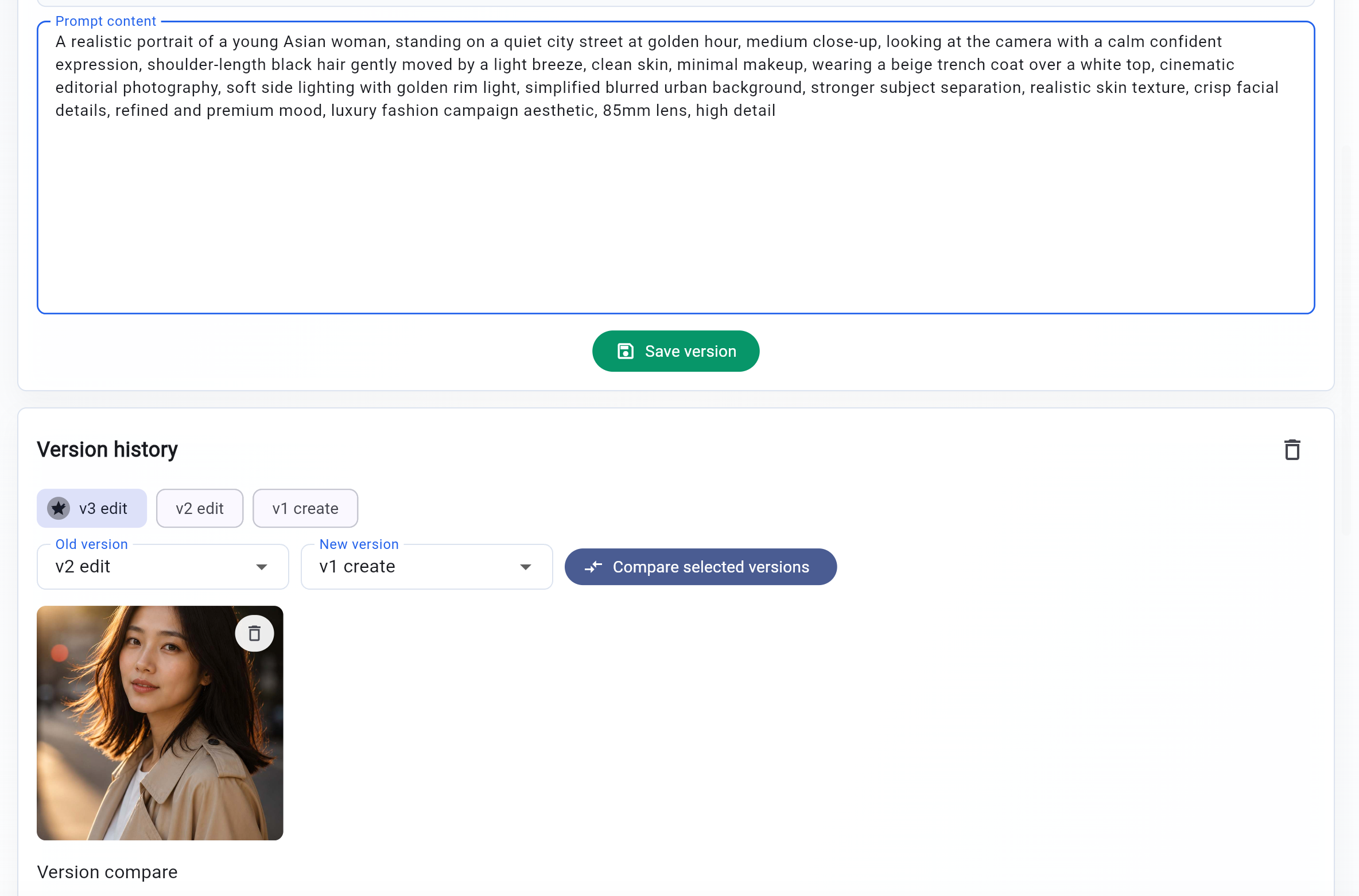
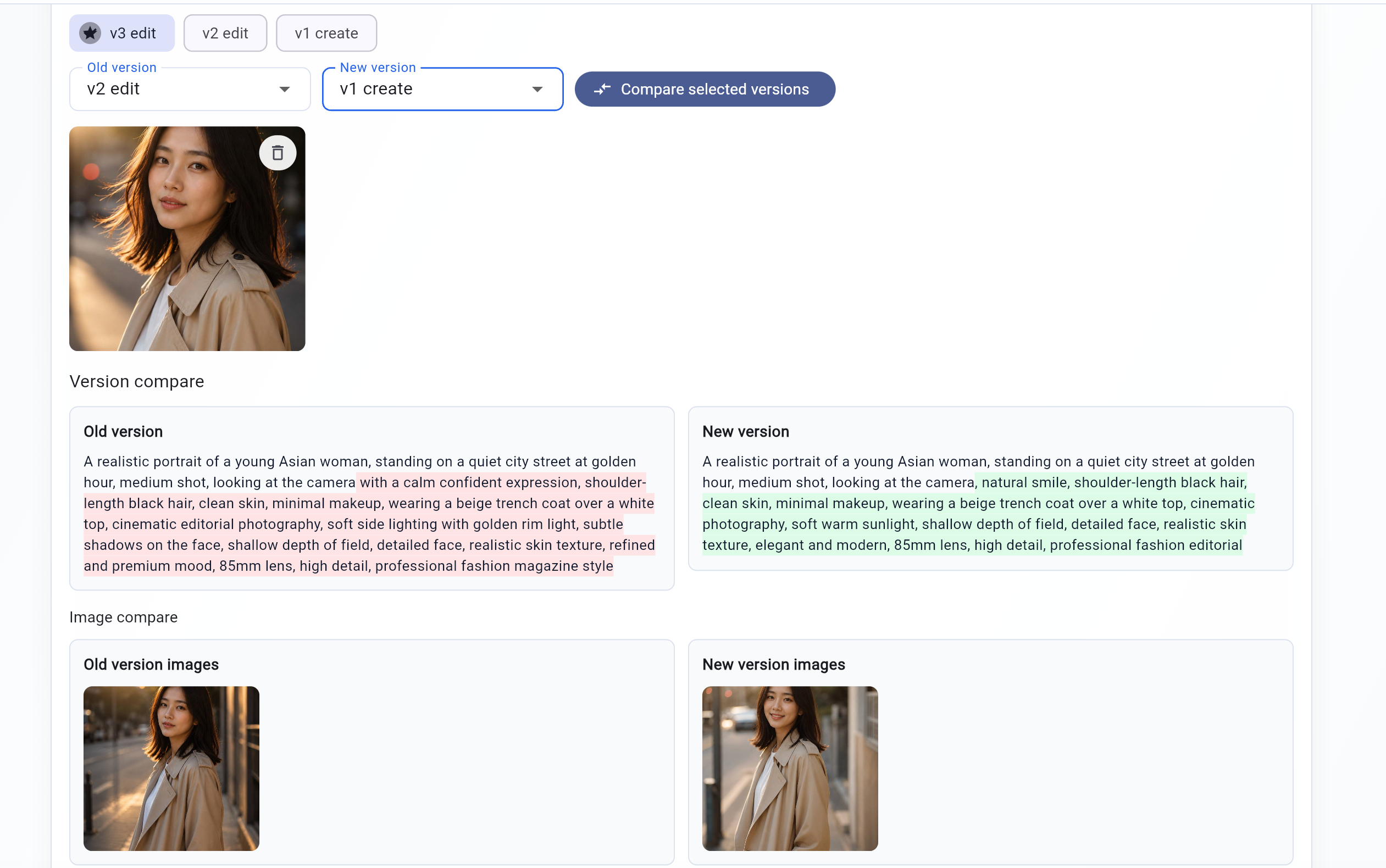
The simplest durable workflow is: save version 1, attach the output, refine the wording, save version 2, attach the new output, and compare both. This is exactly the workflow Prompt Season is built around for designers and AI creators.