An image prompt manager should store the prompt and the generated result together
If you work with Midjourney, Flux, SDXL, or other image generation workflows, the prompt text alone is
not enough. The only honest way to judge prompt quality is to store the output image beside the exact
prompt version that created it. Prompt Season does that so image teams can learn from evidence instead
of memory.
This tool solves a simple but painful workflow problem: after generating a large number of images, you should still be able to find the exact prompt that created the one you want.
Why image prompt workflows break in notes
Notes apps and chat logs can hold text, but they rarely make it easy to compare prompt wording changes
against the actual image results. Once files live in one tool and prompt text lives in another, iteration
becomes noisy and hard to repeat.
What to store for each image prompt
The exact prompt text
Any reusable variables, such as subject, lighting, or style reference
Generated image outputs
Version notes explaining what changed
Tags for campaign, client, or visual style family
Where Prompt Season helps
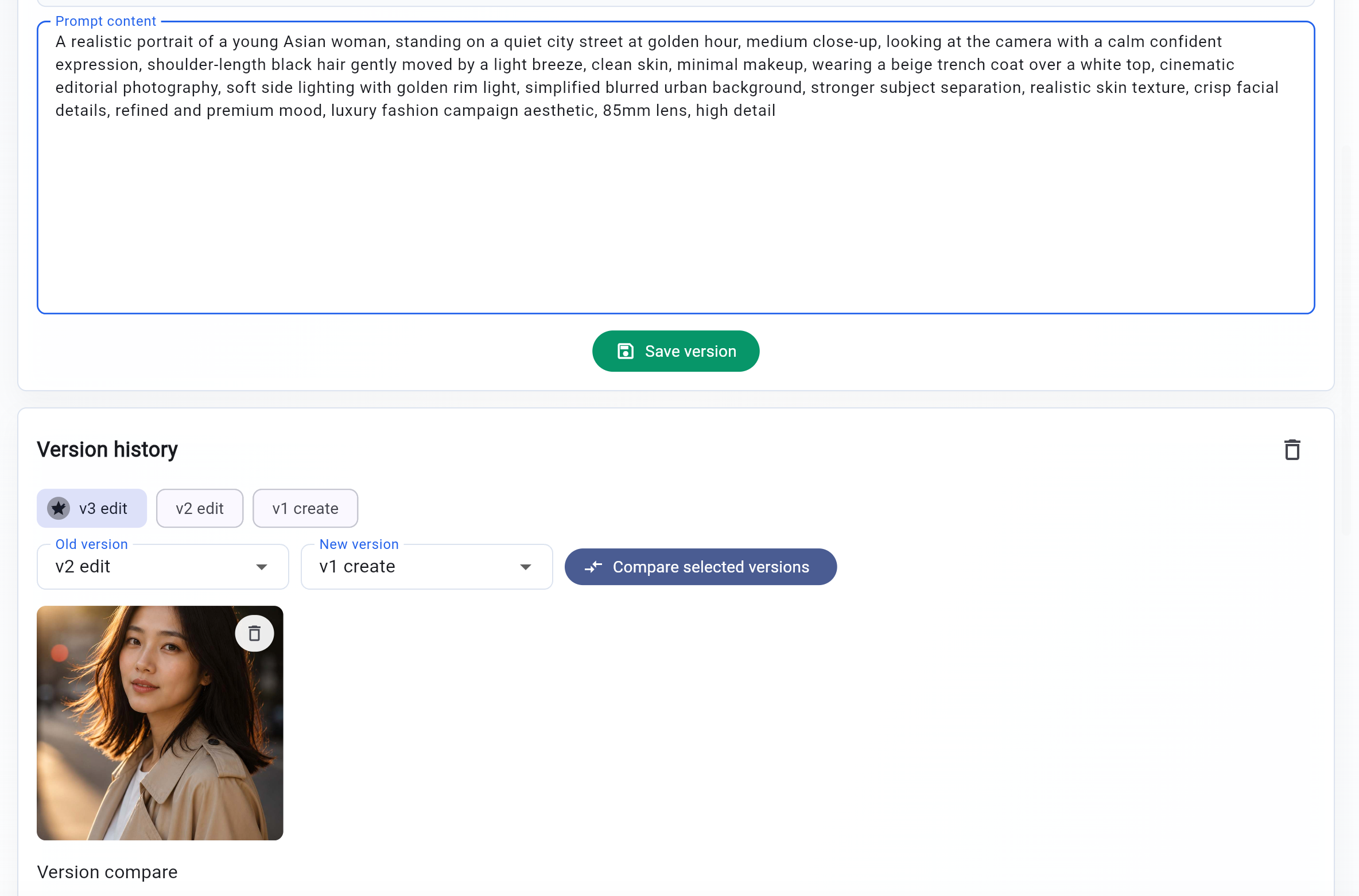
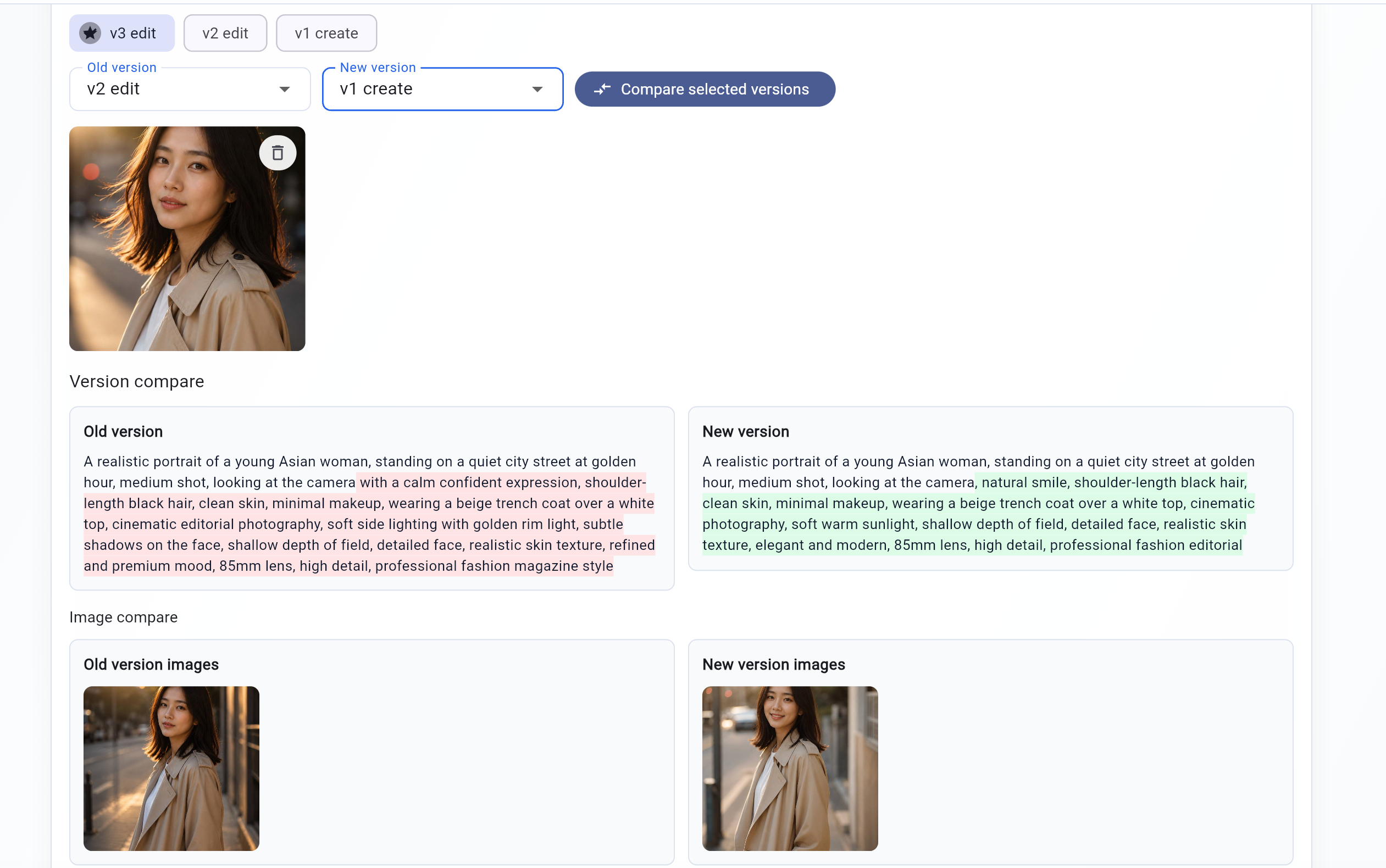
Prompt Season lets you upload or attach image outputs to a prompt version, compare prompt text side by
side, and revisit older image experiments without losing context. That makes it easier to build a living
library of prompts that produce reliable visual outcomes.
Each prompt version can carry the image it produced, which turns one-off generations into reusable visual knowledge.Compare prompt revisions against output revisions to see whether a change in wording actually improved the result.